There is no Dutch version yet, so this is shown in English.
View original (KO)See your audio paths at a glance and connect them flexibly.
Routing · Processing · Recording
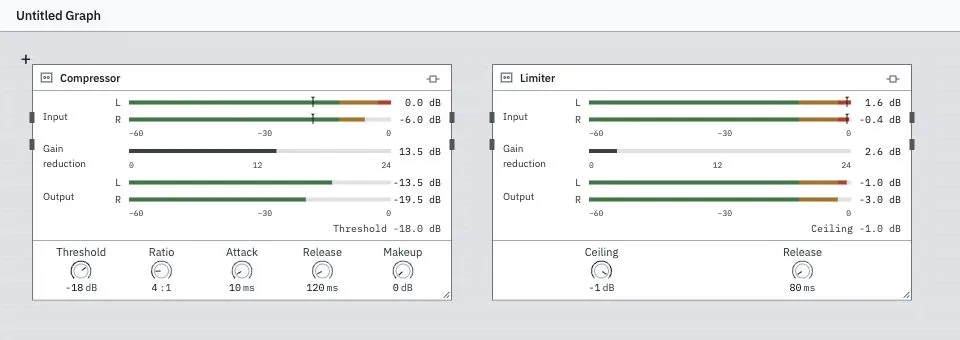
Start with apps and input devices, then connect processors, virtual and physical outputs, and recording. MixRelay brings them together in a single graph connected by cables.
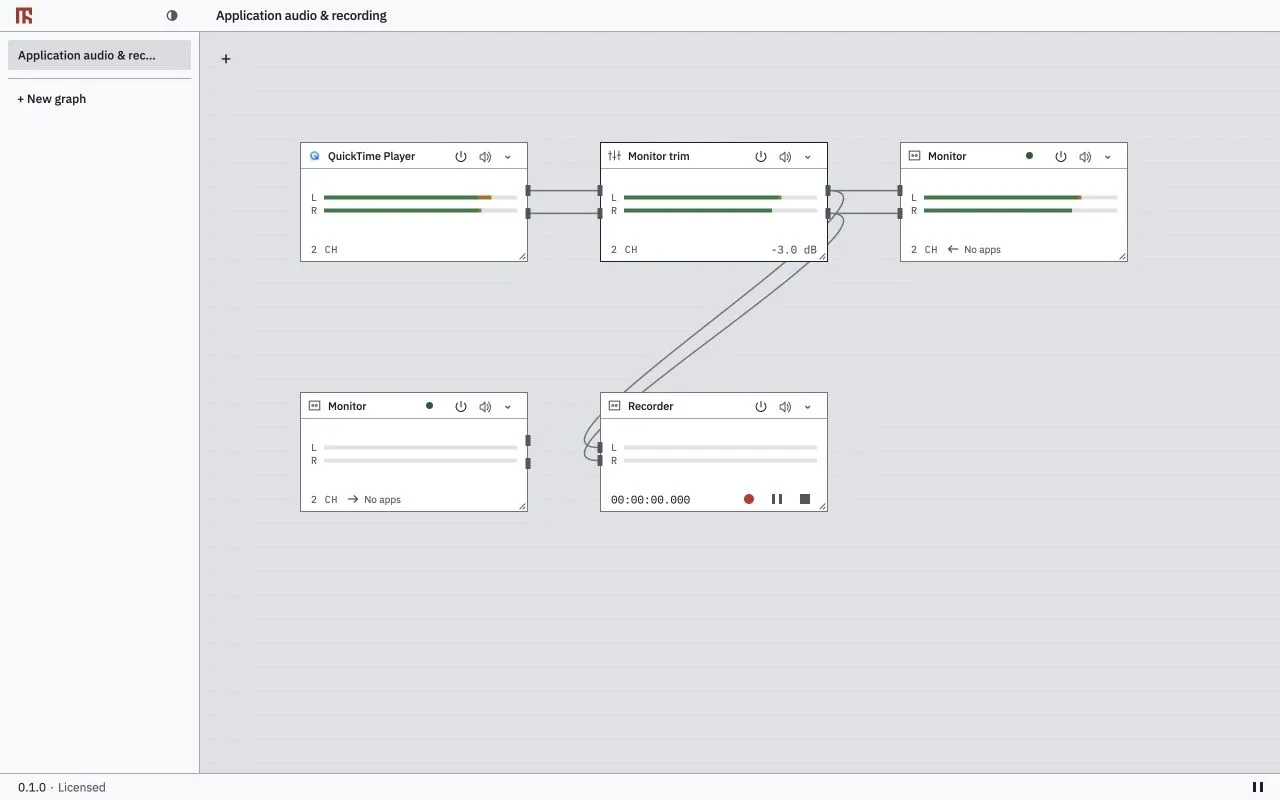
Route application audio to a virtual output and a recorder in one graph. English interface with sample data.